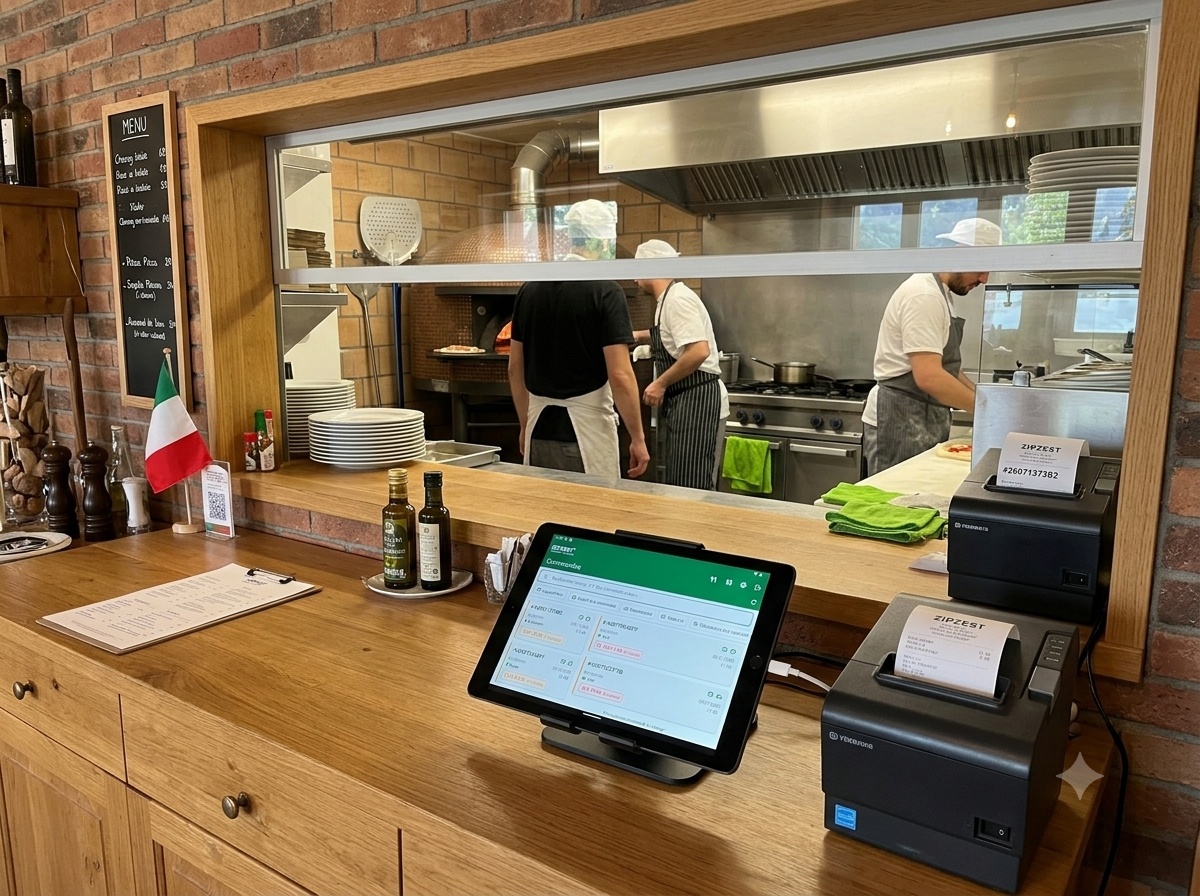
A receipt for the customer, a clear kitchen ticket for the chef, sometimes an extra copy for the counter. Every restaurant has its own printing routine, and until now, most solutions forced the same format on everyone.
Not anymore. The ZipZest mobile app now prints multiple tickets per order, on multiple printers, with fully customisable content for each one.
Every ticket has its job
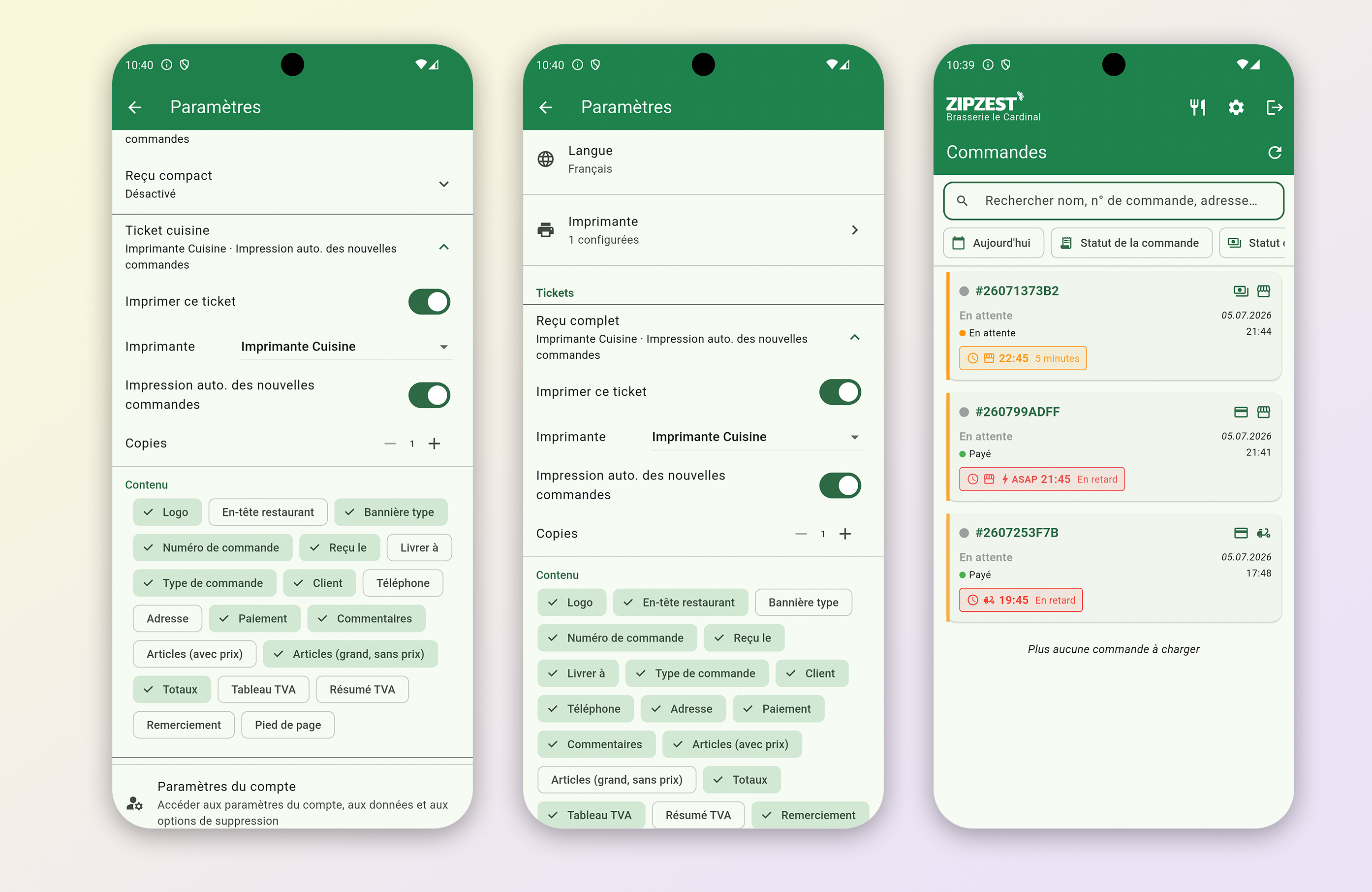
In the app settings, you configure your tickets one by one: full receipt, compact receipt, kitchen ticket. For each, you pick the destination printer, the number of copies, and whether printing should start automatically with every new order.
The kitchen ticket goes to the kitchen printer, large print, no prices, with the order type and customer comments front and centre. The full receipt comes out at the counter with your logo, totals and VAT table. Nobody hunts for anything, nobody waits.
Content, made to order
This is where it gets good. For each ticket, you tick exactly what should appear: logo, restaurant header, order number, customer details, delivery address, payment method, items with or without prices, totals, detailed or summarised VAT, thank-you note, footer.
Your chef doesn't need to see the price of the dishes, they need to see "gluten-free" in big letters. Your customer wants a clean receipt with VAT for their expense report. Everyone gets their own version, printed automatically the moment the order comes in.
Built for the rush
It all happens in the ZipZest mobile app, the one you already use to manage your delivery and pickup orders. A new order lands, the tickets come out on the right printers, in the right format and the right quantity. In the middle of service, that's the kind of detail that changes everything.
The feature is live now on zipzest.ch. Set up your tickets once, then forget about them.