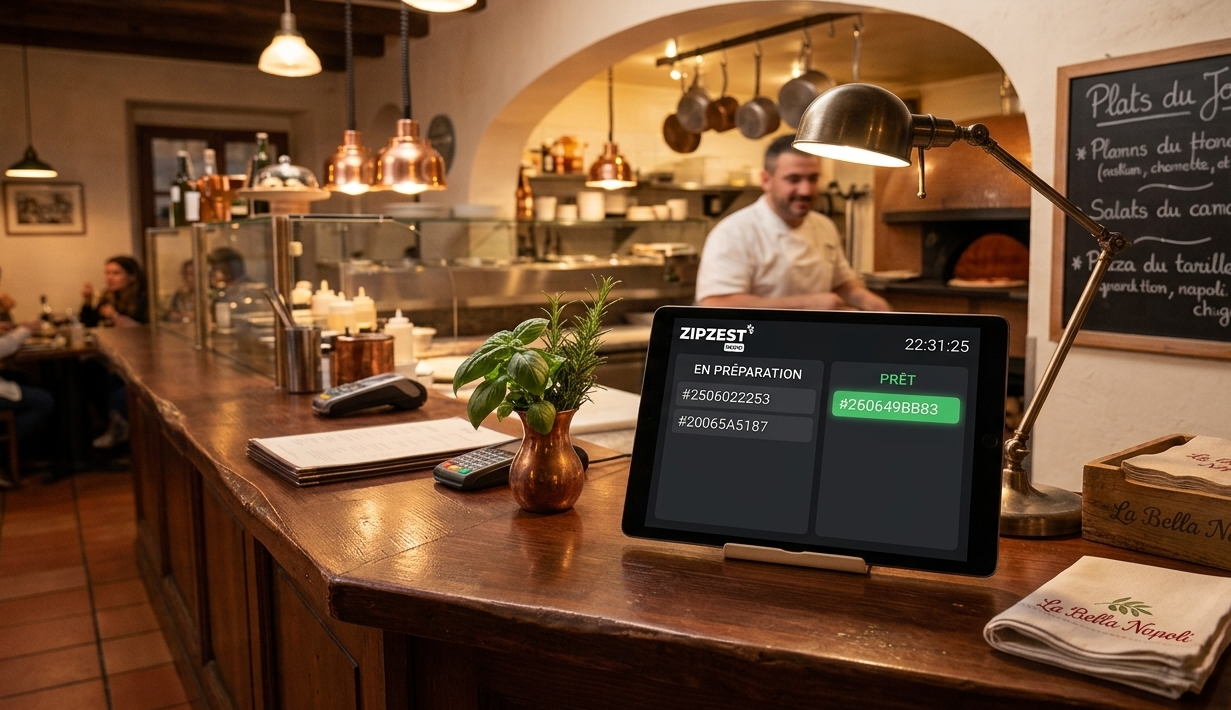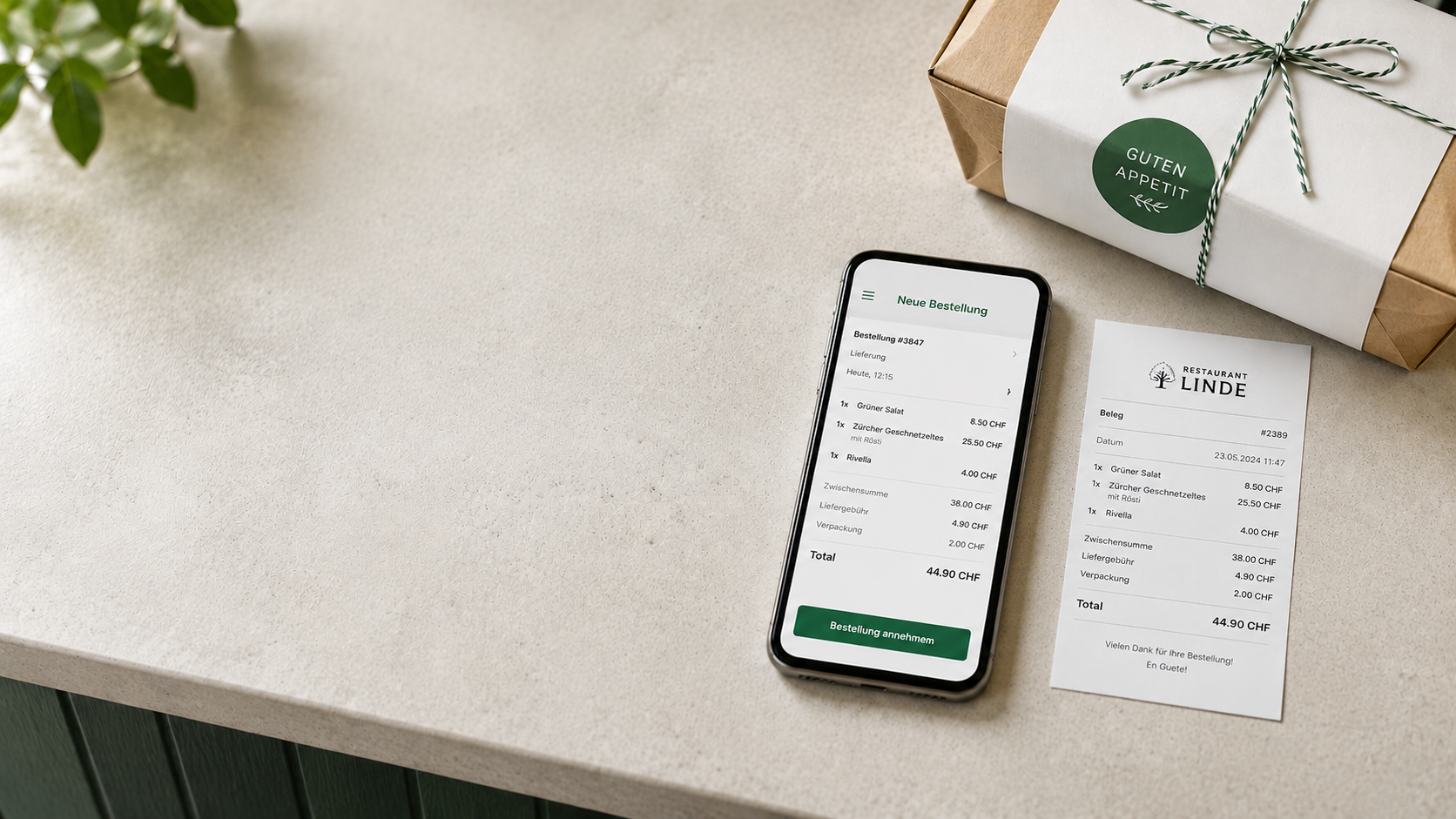
At ZipZest, we keep hearing the same thing from restaurant owners: "This is great, but can it look like my restaurant?" Now it can.
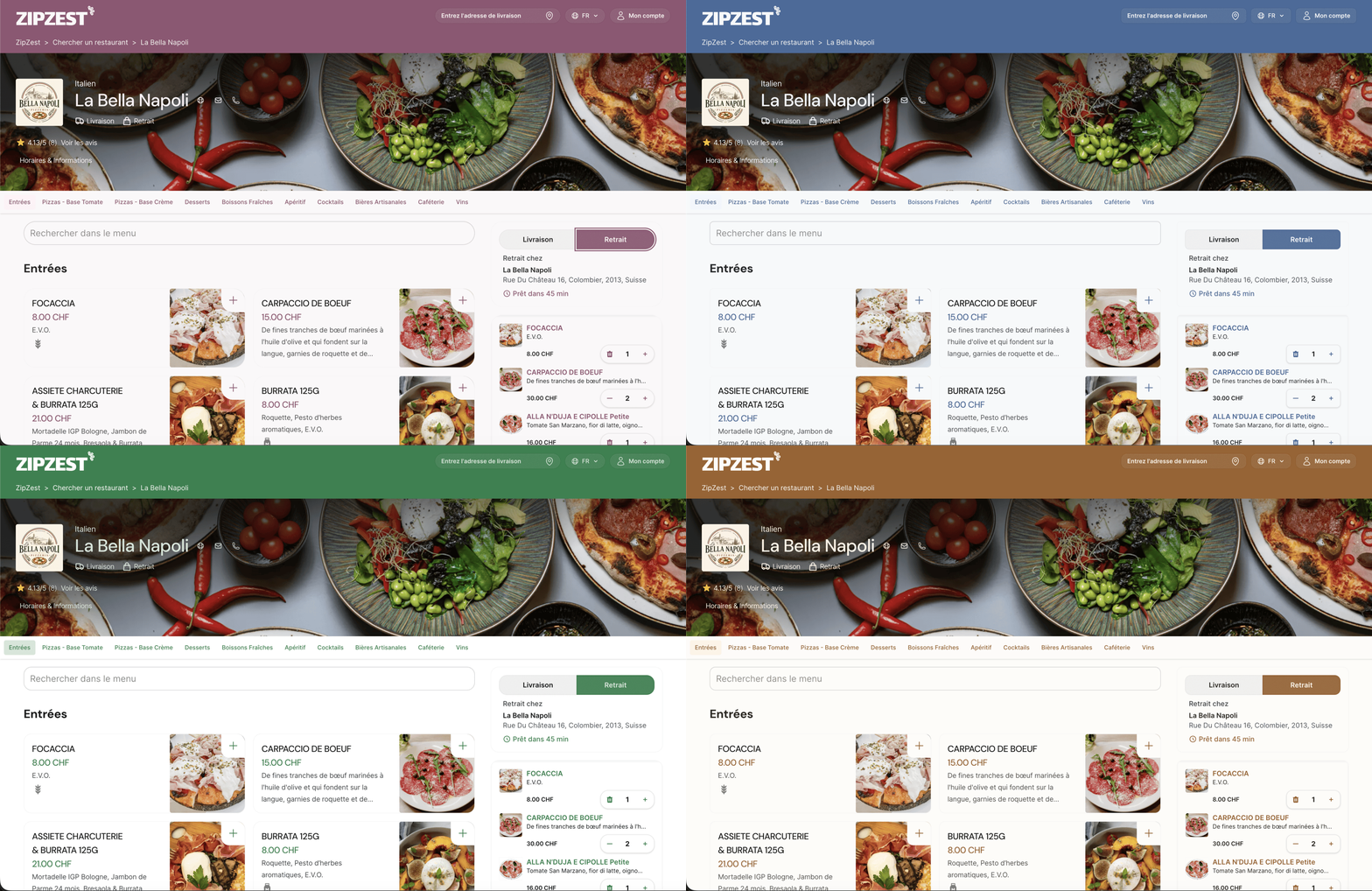
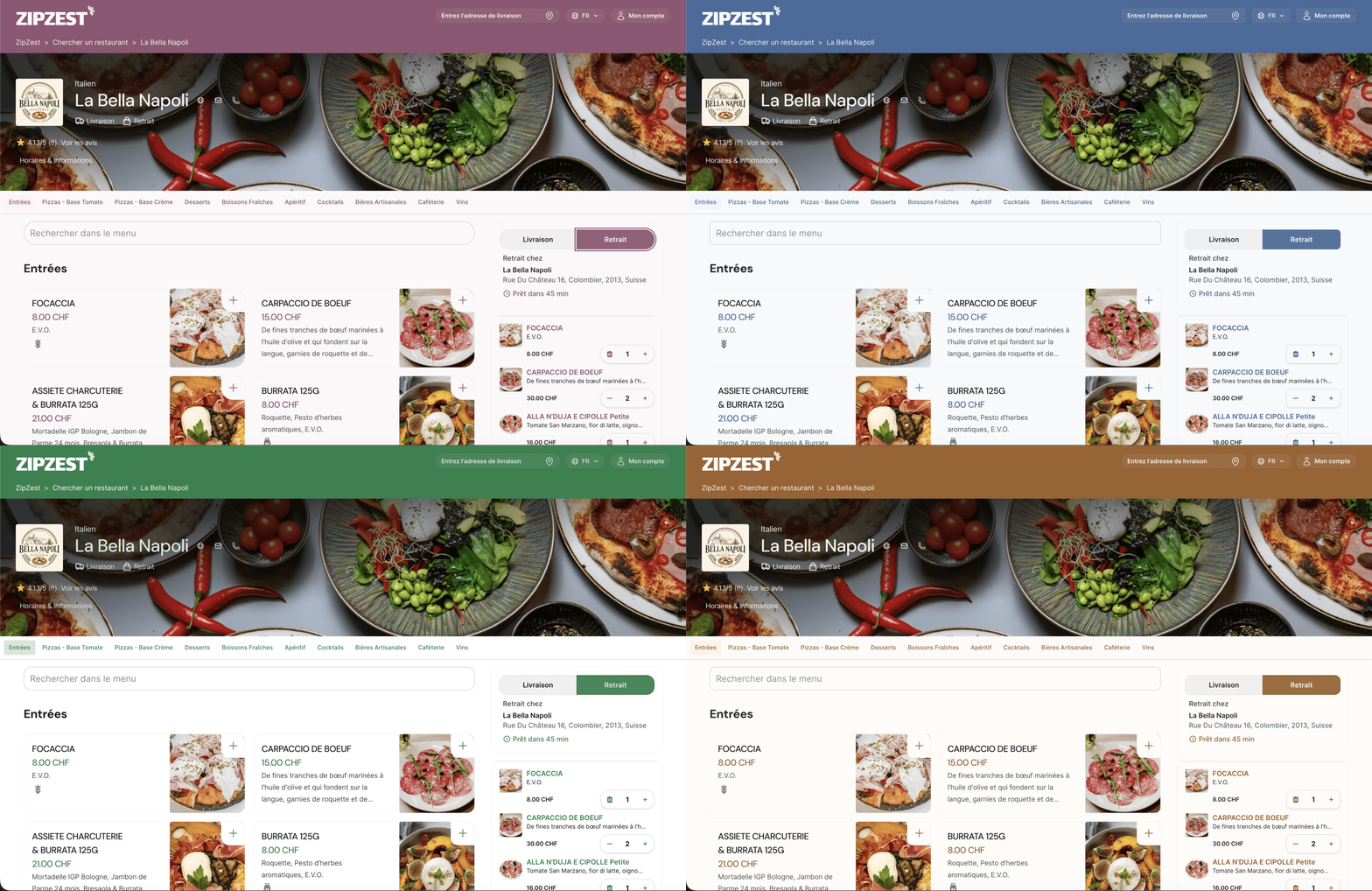
The new Appearance feature lets you change the colours of your online shop, your QR menu and the whole ordering experience, right through to checkout. Your guests see your visual identity at every step, whether they order home delivery, click & collect or straight from the table.
How it works
In your restaurant settings, open the Appearance tab. Pick a starting theme (Midnight, Rose, Tangerine, Grape or the classic ZipZest look), then adjust each colour to taste: primary colour, background, text, buttons. You can also tweak the corner radius, depending on whether you like things softer or sharper.
No designer needed, not a single line of code. Click, adjust, save. A pizzeria in warm terracotta, a cocktail bar in deep purple, a bakery in soft cream tones... your digital menu takes on the atmosphere of your restaurant in a few minutes.
Why it matters
Your guests are ordering online more than ever. When your shop looks like you, they recognise you straight away, and that builds trust. And since everything stays consistent, from the QR menu scanned at the table to the order confirmation, the experience carries over naturally from your dining room to their phone.
The feature is live today for every restaurant on zipzest.ch.